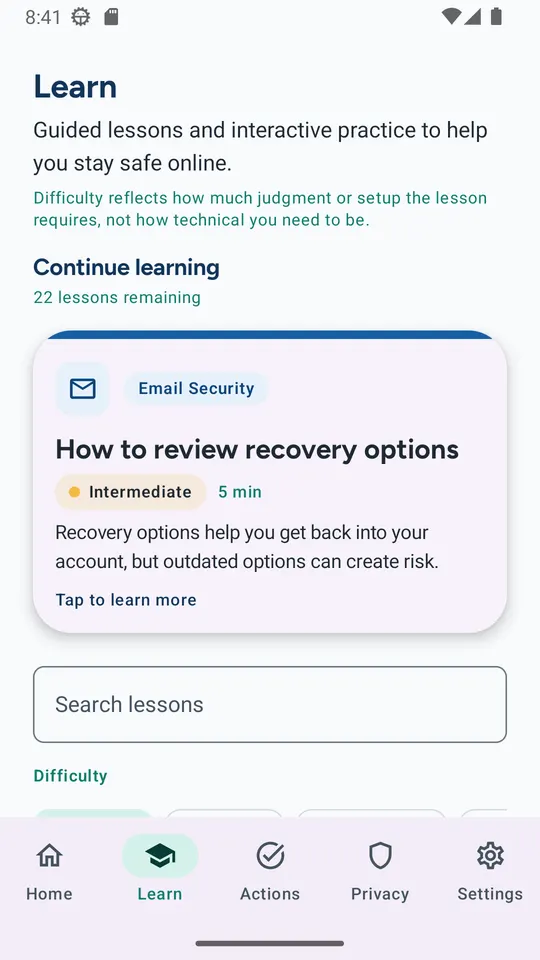
 Learn
Learn
Guided lessons, one topic at a time
Short lessons on scams, passwords, email, devices, privacy, and family safety, with a recommended path based on what you have already finished.
CyberNest gives people and families calm, practical lessons, realistic scam practice, and step-by-step plans for safer accounts, devices, privacy, home Wi-Fi, backups, money, and family habits—plus a clear path to recovery if something has already gone wrong.
Four ways to get safer, each built to take ten minutes at a time and to pick up where you left off.
Learn
Short lessons on scams, passwords, email, devices, privacy, and family safety, with a recommended path based on what you have already finished.
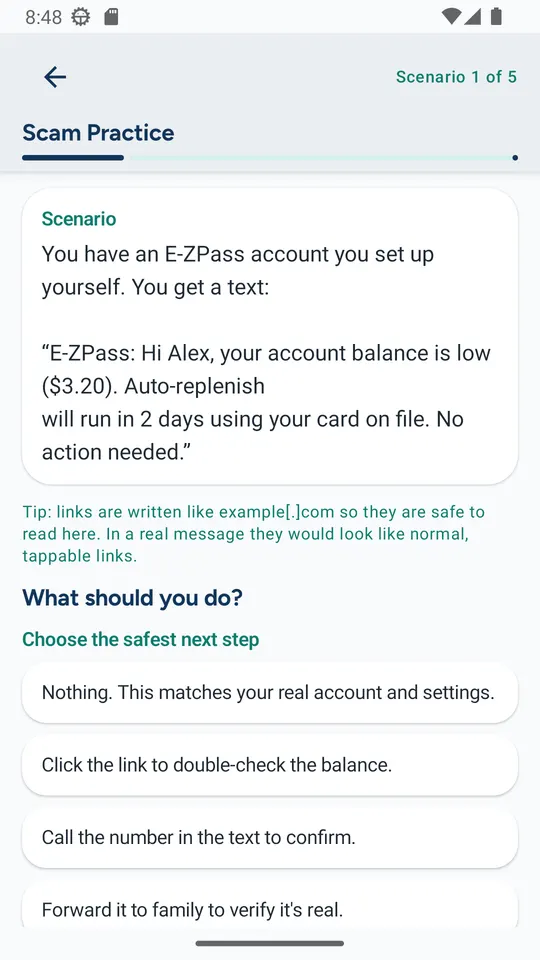 Practice
Work through texts, emails, calls, QR codes, and fake alerts that look like the real thing. Choose the safest next step and get a plain-language explanation.
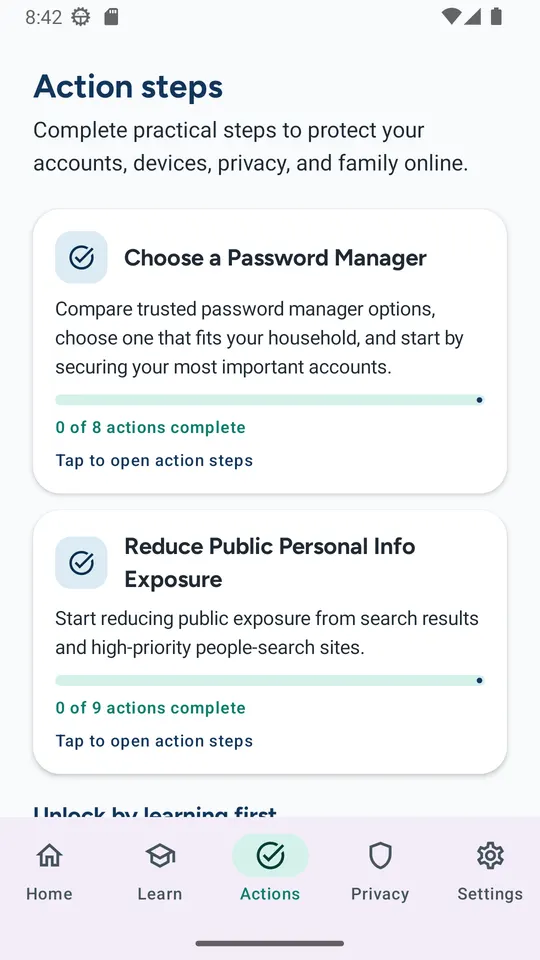 Act
Act
Checklists for stronger accounts, safer devices, backups, and privacy, including direct links to official opt-out resources that reduce your public exposure.
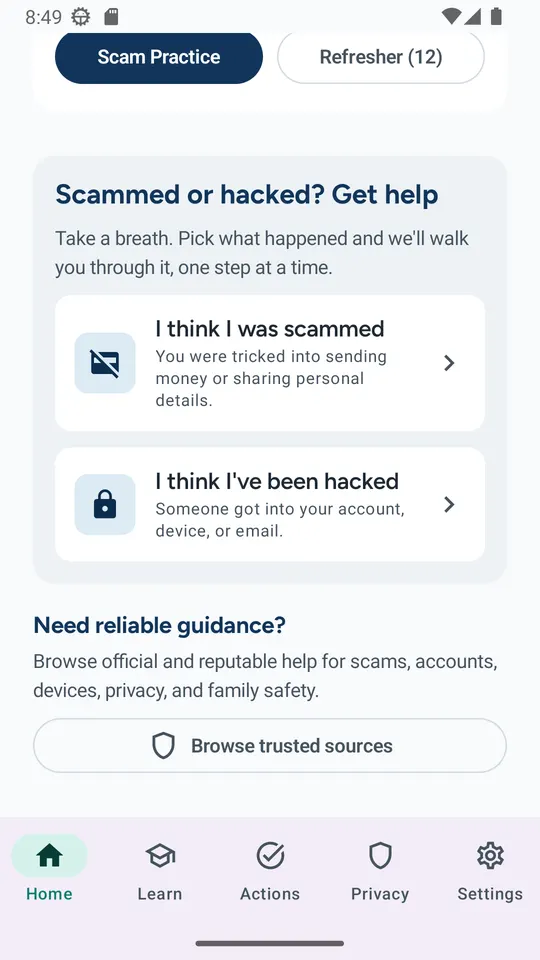 Recover
“I think I was scammed” and “I think I’ve been hacked” walk you through prioritized recovery steps. Check them off and come back later without losing your place.
Lessons and checklists cover:
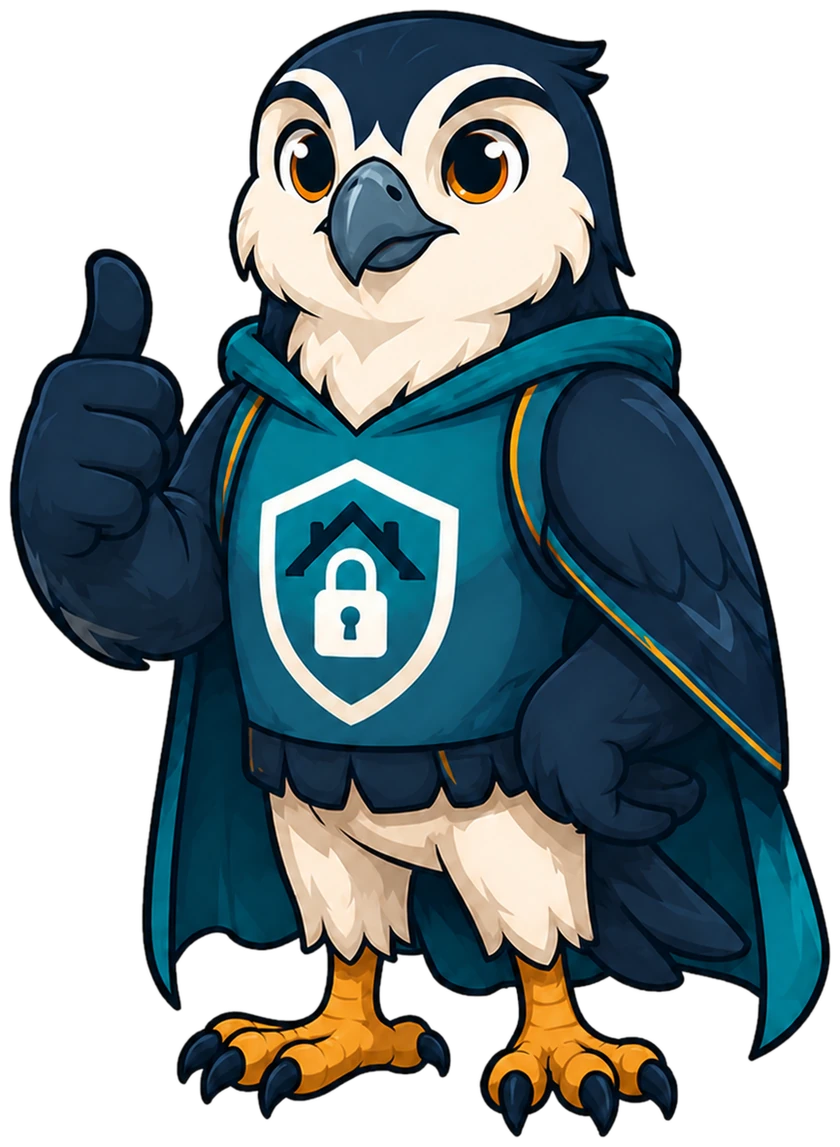
A falcon guards its nest with sharp eyes and no drama—the same posture CyberNest encourages people to bring to their digital lives.
The Guardian shows up throughout the app the way a good neighbor would: to point things out, never to panic you, and never to talk down to you.
CyberNest translates the same disciplined thinking AIA brings to organizations into guidance a household can use. It is evidence of how we approach every service: make the complex clear, focus on what matters, and leave people more capable than we found them.
Install CyberNest, work through the checklists, and share it with someone who could use a practical digital-safety guide.


CyberNest provides educational guidance. It is not emergency services, antivirus software, personalized breach monitoring, or a replacement for professional advice. If you are in immediate danger, contact local emergency services. Read the CyberNest privacy policy to see how the app handles your information.